Weather app using java script
Weather App
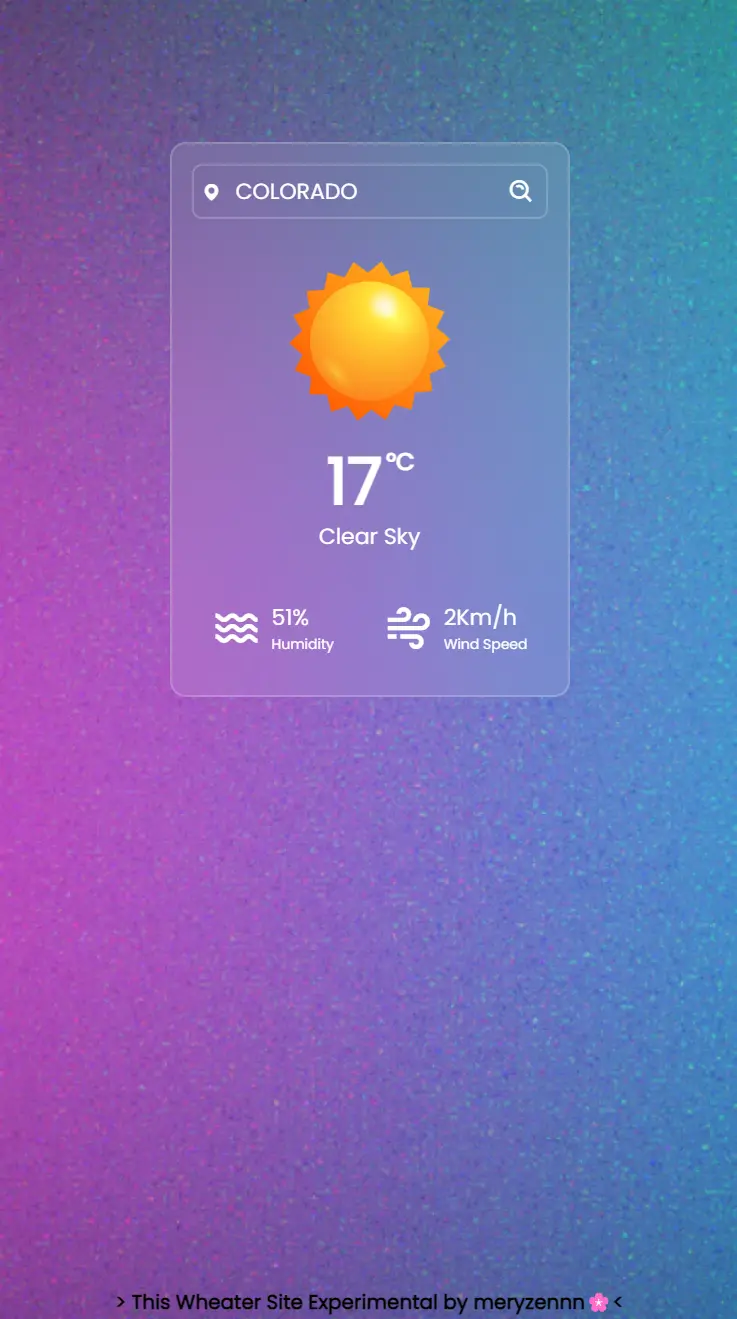
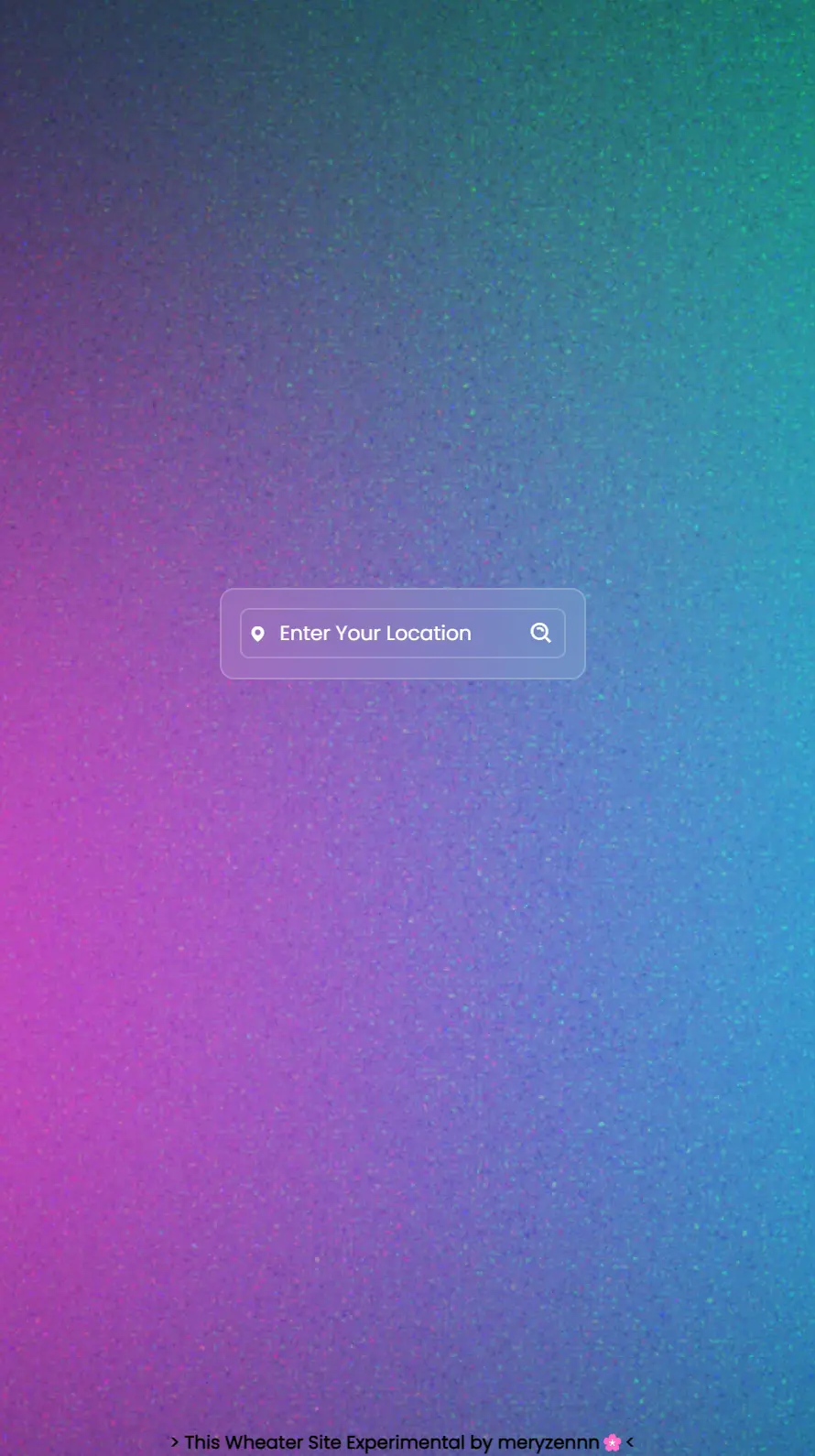
The Weather App is a simple web application that displays current weather information based on the user’s entered location. Featuring a clean and responsive interface, this app provides weather data including temperature, weather description, humidity, and wind speed. It uses the OpenWeatherMap API to fetch weather data.
Features
- Location Search: Enter a city name to get the current weather information.
- Weather Information: Displays temperature, weather description, humidity, and wind speed.
- Responsive Design: Optimized layout for various devices.
- Error Messages: Shows an error message if the location is not found.
How to Use
Clone the Repository
https://github.com/meryzennn/weather-app.gitOpen HTML File
Open the
index.htmlfile in your web browser to run the application.Enter City
Type the name of a city into the search box and click the search button to view the weather data.
Project Structure
- index.html: Main HTML file containing the structure and elements of the app.
- style.css: CSS file for styling and layout.
- script.js: JavaScript file handling the application logic and interacting with the OpenWeatherMap API.
- images/: Directory containing icons and images used in the app.
Technologies Used
- HTML
- CSS
- JavaScript
- OpenWeatherMap API (for weather data)
- Boxicons (for icons)
How It Works
Weather Search:
- When the user enters a city name and clicks the search button, the app sends a request to the OpenWeatherMap API.
- If the city is found, the app displays the temperature, weather description, humidity, and wind speed for that city.
- If the city is not found, the app shows an error message.
UI Update:
- The app updates the weather icon based on the weather type received from the API.
- It adjusts the display based on the received data, including temperature and weather description.
Contributing
If you’d like to contribute to this project, please follow these steps:
- Fork this repository.
- Create a new branch (
git checkout -b feature-branch). - Commit your changes (
git commit -am 'Add new feature'). - Push to the branch (
git push origin feature-branch). - Open a pull request.
Contact
If you have any questions or feedback, feel free to contact me at me.ryzennn@gmail.com or visit my website.